


finds.demoda.today
A Complete Beginner-to-Advanced Roadmap for Building a Seamless Connected Environment
Learn how to connect smart devices in a digital ecosystem step by step. Discover IoT setup, smart home integration, network optimization, and security strategies for a seamless connected experience.
Table of Contents
- Introduction
- Understanding Digital Ecosystems
- Types of Smart Devices in an Ecosystem
- Benefits of Connecting Smart Devices
- Core Requirements for Building a Digital Ecosystem
- Choosing the Right Smart Devices
- Network Infrastructure Setup
- Step-by-Step Guide to Connecting Smart Devices
- Using Smart Hubs and Controllers
- Device Interoperability and Compatibility
- Integrating Voice Assistants
- Automations and Smart Routines
- Security and Privacy Best Practices
- Troubleshooting Common Connectivity Issues
- Scaling Your Digital Ecosystem
- Advanced Integrations (AI and Edge Computing)
- Real-World Use Cases
- Future Trends in Smart Connectivity
- Conclusion
The rise of smart devices has transformed the way we interact with technology. From smart homes to connected workplaces, digital ecosystems are becoming the backbone of modern living.
However, simply owning smart devices is not enough. The real value lies in connecting them into a unified ecosystem where they communicate seamlessly, automate tasks, and enhance efficiency.
This guide provides a comprehensive, step-by-step approach to connecting smart devices, helping you build a powerful and secure digital ecosystem.
Understanding Digital Ecosystems
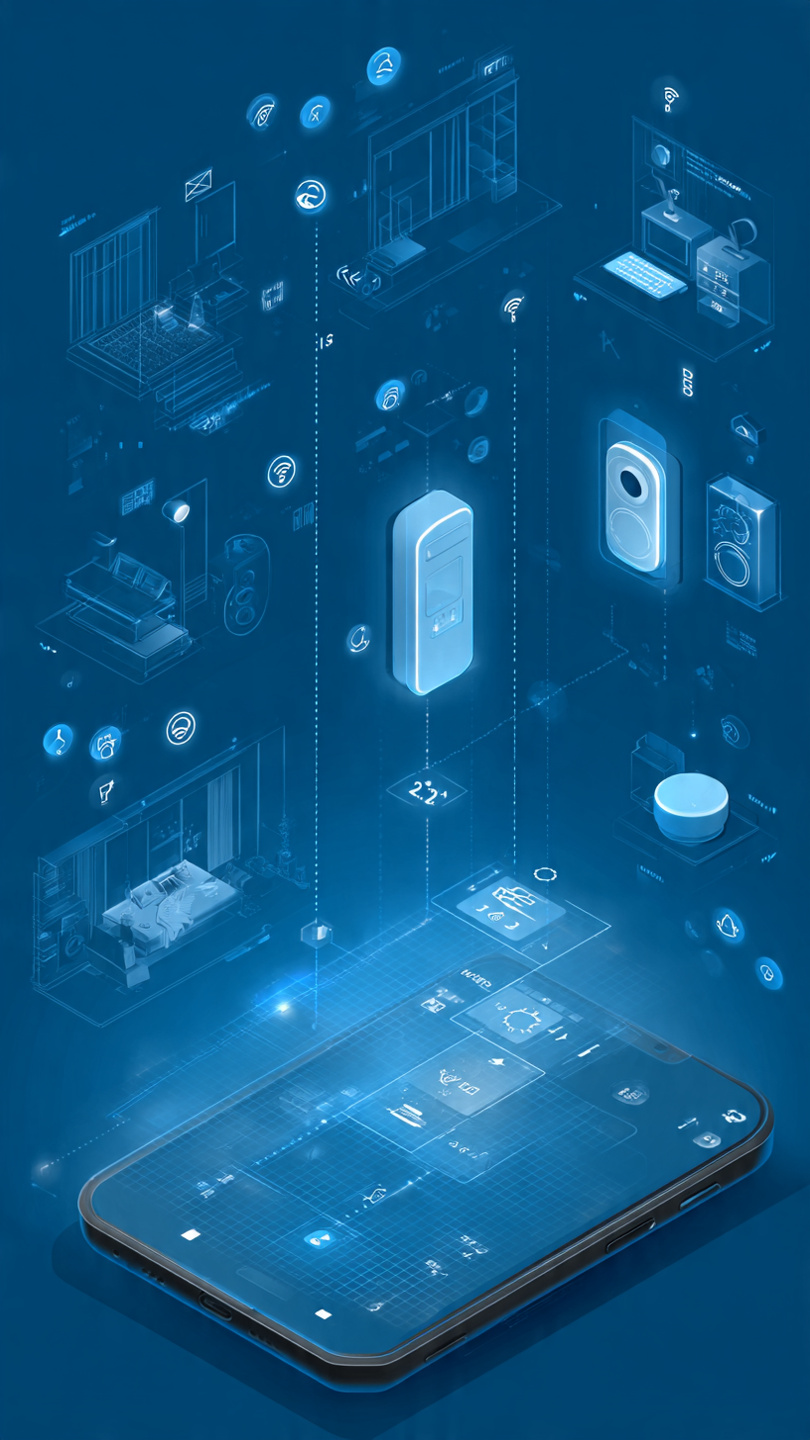
A digital ecosystem is a network of interconnected devices, platforms, and applications that work together to deliver a seamless user experience.
Key Components:
- Smart devices (sensors, appliances, wearables)
- Connectivity (Wi-Fi, Bluetooth, Zigbee, etc.)
- Cloud services
- Control platforms (apps or hubs)
Digital ecosystems enable automation, real-time communication, and intelligent decision-making.
Types of Smart Devices in an Ecosystem
Home Devices
- Smart lights
- Thermostats
- Security cameras
- Smart locks
Personal Devices
- Smartphones
- Wearables
- Tablets
Entertainment Devices
- Smart TVs
- Streaming devices
- Audio systems
Industrial and Office Devices
- Smart sensors
- IoT equipment
- Automation systems
Each category plays a role in creating a comprehensive connected environment.
Benefits of Connecting Smart Devices
- Automation: Tasks run automatically based on triggers
- Convenience: Control devices remotely
- Energy Efficiency: Optimize usage
- Security: Monitor and protect environments
- Data Insights: Analyze usage patterns
A connected ecosystem improves both productivity and quality of life.
Core Requirements for Building a Digital Ecosystem
Before connecting devices, ensure you have:
Reliable Internet Connection
High-speed Wi-Fi is essential for stable communication.
Compatible Devices
Devices should support common protocols.
Central Control Platform
A mobile app or smart hub to manage devices.
Security Measures
Strong passwords, encryption, and updates.
Choosing the Right Smart Devices
Factors to Consider:
- Compatibility with your ecosystem
- Ease of installation
- Brand reliability
- Security features
- Scalability
Avoid mixing incompatible devices, as this can create connectivity issues.
Network Infrastructure Setup
A strong network is the foundation of your ecosystem.
Steps:
- Upgrade your router
- Use dual-band or mesh Wi-Fi
- Position routers strategically
- Separate IoT devices on a dedicated network
- Ensure sufficient bandwidth
A stable network ensures smooth communication between devices.
Step-by-Step Guide to Connecting Smart Devices
Set Up Your Network
Ensure Wi-Fi is stable and secure.
Install Device Apps
Download the manufacturer’s app for each device.
Power On Devices
Turn on devices and reset if necessary.
Connect to Wi-Fi
Follow app instructions to connect devices to your network.
Pair Devices
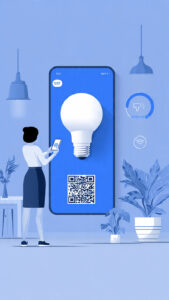
Use Bluetooth or QR codes for pairing.
Configure Settings
Set preferences, names, and locations.
Add to Central Hub
Integrate devices into a single control platform.
Test Connectivity
Ensure devices respond correctly.
Create Automations
Set rules and triggers.
Monitor Performance
Regularly check for updates and issues.
Using Smart Hubs and Controllers
finds.demoda.today
Smart hubs act as central controllers.
Benefits:
- Simplifies management
- Enables cross-device communication
- Reduces app overload
Examples:
- Home automation hubs
- Smart speakers with control features
Hubs enhance interoperability and ease of use.
Device Interoperability and Compatibility
Interoperability ensures devices work together.
Common Protocols:
- Wi-Fi
- Bluetooth
- Zigbee
- Z-Wave
Tips:
- Choose devices supporting universal standards
- Use hubs to bridge compatibility gaps
Integrating Voice Assistants
Voice assistants add convenience.
Capabilities:
- Control devices with voice commands
- Create routines
- Provide real-time updates
Voice integration enhances accessibility and usability.
Automations and Smart Routines
Automation is the heart of a digital ecosystem.
Examples:
- Lights turn on at sunset
- Thermostat adjusts based on temperature
- Security cameras activate when away
Automation saves time and improves efficiency.
Security and Privacy Best Practices
Key Measures:
- Use strong passwords
- Enable two-factor authentication
- Regularly update firmware
- Use encrypted networks
- Disable unused features
Security is critical in connected environments.
Troubleshooting Common Connectivity Issues
Common Problems:
- Weak signal
- Device not pairing
- App errors
Solutions:
- Restart devices
- Reset network settings
- Update firmware
- Check compatibility
Scaling Your Digital Ecosystem
As your needs grow:
- Add new devices gradually
- Upgrade network capacity
- Maintain organization
- Monitor performance
Scalability ensures long-term usability.
Advanced Integrations (AI and Edge Computing)
Advanced ecosystems use:
- AI for predictive automation
- Edge computing for faster processing
- Data analytics for optimization
These technologies enhance performance and intelligence.
Real-World Use Cases
Smart Home
Automated lighting, climate, and security.
Healthcare
Remote monitoring devices.
Business
Connected systems for efficiency and productivity.
Future Trends in Smart Connectivity

finds.demoda.today
- AI-driven ecosystems
- Expansion of IoT networks
- Smart cities
- Integration with blockchain
The future is fully connected and intelligent.
Connecting smart devices into a digital ecosystem unlocks their full potential. By following a structured approach—choosing compatible devices, building a strong network, and implementing automation—you can create a seamless, efficient, and secure connected environment.
As technology evolves, digital ecosystems will become even more advanced, offering greater convenience, intelligence, and integration. The key is to start with a solid foundation and continuously adapt to new innovations.

Deja una respuesta